

Tracking actual versus scheduled hours is the single most direct measure of whether your labor plan matches reality. Most managers in trades, hospitality, and retail track time worked, but skip the comparison to what was scheduled. That gap between planned and actual is where scheduling errors, labor cost overruns, and workforce problems hide. This article explains why tracking actual vs scheduled hours matters, how to read the data, and what to do with it to protect your margins and your team.
Why tracking actual vs scheduled hours matters most
Time tracking alone shows what happened; planned versus actual tracking measures planning accuracy. That distinction is the foundation of every useful labor decision you make. Without the comparison, you know how many hours were worked but not whether your estimates were right. Estimation accuracy drives future scheduling, and poor estimates compound into chronic overruns.
The gap metric is also an early warning system. A chronic 30–40% underestimation of time needs forecasts operational strain weeks before it shows up in payroll or customer complaints. For a restaurant manager running 20 staff or a trade contractor managing field crews, catching that signal early is the difference between a profitable week and an expensive one.

Variance analysis is the industry term for this comparison. The scheduled vs actual hours analysis produces a variance figure for each shift, role, or job. Positive variance means more hours were used than planned. Negative variance means fewer. Both tell you something. Neither is visible if you only track clock-in and clock-out times without referencing the schedule.
How does this comparison identify inefficiencies?
Only the comparison of scheduled and actual data reveals hidden inefficiencies that no single metric can detect on its own. Scheduled blocks often absorb unplanned overruns like meetings running long, equipment delays, or unexpected customer volume. When you see those overruns in the variance data, you can name the cause and fix it.
The types of inefficiencies this comparison surfaces include:
- Repeated overruns in specific roles or shifts, which signal that labor estimates for those positions are consistently wrong
- Unplanned tasks absorbing scheduled time, such as a retail floor associate spending two hours on stock work that was not in the plan
- Phantom availability, where staff are scheduled but arrive late or leave early without the schedule reflecting it
- Understaffing patterns, where actual hours fall short of scheduled hours because of no-shows or early departures that were never corrected in the system
Each of these patterns is invisible if you only look at total hours worked. The scheduled vs actual comparison makes them visible and repeatable to track.
Pro Tip: Off-the-clock work is one of the most common sources of inaccurate actual hours data. If employees answer calls, prep equipment, or handle tasks before clocking in, your actual hours will be understated. Build a policy that requires clocking in before any work-related activity begins, and audit for this monthly.
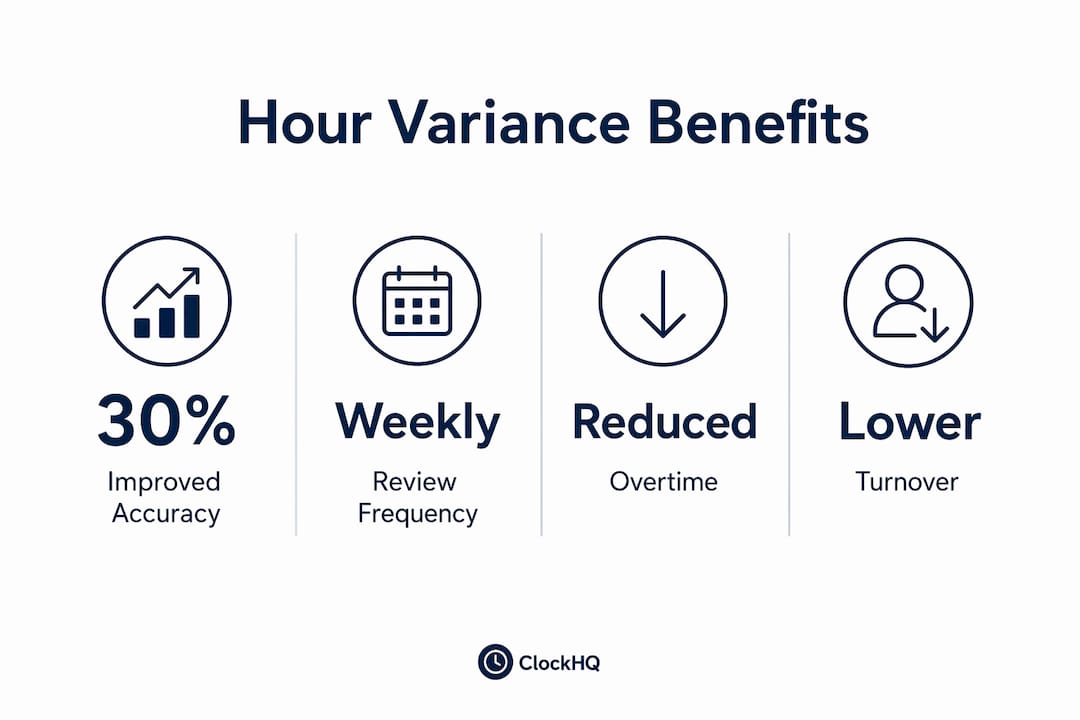
Improving planning accuracy through this comparison also feeds directly into capacity planning. When you know that your kitchen prep consistently runs 15% over schedule on Friday evenings, you can adjust the Friday plan rather than absorbing the cost every week.
What are the financial benefits of monitoring hour variances?
Labor variance analysis separates two distinct cost problems that managers routinely confuse. Labor efficiency variance isolates hours used from pay rates, providing clearer insight into operational performance versus wage cost issues. That separation is critical because the fix for each problem is completely different.
Here is how the two components work in practice:
| Variance Type | What It Measures | What It Signals | Typical Response |
|---|---|---|---|
| Labor Efficiency Variance | Actual hours vs scheduled hours | Scheduling accuracy, task complexity, training gaps | Adjust schedules, retrain staff, revise estimates |
| Labor Rate Variance | Actual wage rate vs planned rate | Overtime premiums, pay increases, role substitutions | Review overtime triggers, adjust staffing mix |
Rate variance measures wage differences multiplied by actual hours, illuminating financial and operational management decisions. If your labor cost is over budget, this table tells you whether the problem is that people worked too many hours or that those hours cost more than planned. Without actual vs scheduled hour tracking, you cannot separate the two.
For trades businesses, this distinction matters when a job runs over because a senior technician covered for a junior one. The hours may match the schedule, but the rate variance will spike. For hospitality, the efficiency variance spikes when a short-staffed dinner service forces everyone into overtime. Tracking wage dispute prevention also depends on accurate actual hours records, since payroll disputes almost always trace back to a mismatch between what was scheduled and what was recorded.
Pro Tip: Review your labor variance report by role, not just by total hours. A restaurant that looks balanced on total labor hours may be hiding a chronic overrun in one station that a top performer in another is masking.
Does schedule stability affect employee well-being?
Unstable and unpredictable work schedules negatively affect employee well-being and satisfaction, and tracking actual versus scheduled hours is the mechanism that makes schedules more stable and realistic over time. Research in the hospitality sector shows that predictive scheduling laws improve worker satisfaction. The data behind those laws comes from exactly this kind of variance tracking.
When managers review actual vs scheduled data regularly, they stop repeating the same scheduling mistakes. A retail store that consistently schedules four staff for Sunday mornings but only needs two can right-size that shift. The two staff who were previously underutilized get more predictable hours elsewhere. The store reduces unnecessary labor cost. Both outcomes depend on having the comparison data in front of you.
Schedule stability also reduces turnover. Workers in trades, hospitality, and retail cite unpredictable hours as a primary reason for leaving jobs. When your scheduling is grounded in actual usage data rather than guesswork, shifts become more consistent. Consistent shifts make it easier for employees to plan their lives, which directly affects retention.
Tracking staff hours in hospitality through an approval workflow also creates a record that managers and employees both trust. When an employee disputes their hours, the scheduled vs actual comparison provides a clear, documented reference point rather than a verbal disagreement.
How do you implement effective hour tracking and review?
Collecting time data alone is not enough; a review loop comparing planned to actual hours regularly is necessary to improve estimation and enable corrective action. Weekly reviews are the minimum cadence for most trades, hospitality, and retail operations. Monthly reviews alone are too slow to catch patterns before they cost you money.
Follow these steps to build a tracking and review process that actually works:
- Set the schedule in your system before the week starts. Actual vs scheduled comparison only works if the scheduled hours are recorded in the same system as actual hours. A schedule on paper or in a spreadsheet that never connects to your time tracking tool produces no usable variance data.
- Use digital clock-in tools, not manual time entry. Poor actual hour records create false gaps that reflect data problems rather than real labor discrepancies. Mobile clock-in apps, geofenced check-ins, and biometric terminals all reduce manual entry errors.
- Review variance by shift and by role weekly. Do not wait for payroll to close. A weekly variance review catches problems while you can still adjust the following week's schedule.
- Flag variances above a threshold. Set a rule that any shift with more than 10% variance triggers a manager review. This keeps the process focused rather than requiring you to analyze every single shift.
- Feed findings back into the next schedule. The review is only useful if it changes something. Document what caused each significant variance and adjust the next schedule accordingly.
For field-based trades businesses, tracking remote employee hours adds a layer of complexity. GPS-enabled mobile apps solve the location verification problem while still feeding actual hours into the same variance analysis. The process is the same; the tool needs to match the work environment.
Retail operations face a different challenge: clock-in irregularities like buddy punching, missed punches, and manual edits corrupt actual hours data. Addressing these at the data collection stage protects the integrity of every variance report you produce downstream.
Key takeaways
Tracking actual versus scheduled hours is the most direct way to measure whether your labor plan is working and where it is failing.
| Point | Details |
|---|---|
| Variance analysis is the core tool | Compare scheduled to actual hours weekly to surface planning errors before they become payroll problems. |
| Two distinct variances require different fixes | Efficiency variance points to scheduling or training issues; rate variance points to overtime or pay rate problems. |
| Schedule stability reduces turnover | Grounding schedules in actual usage data produces more consistent shifts and improves employee retention. |
| Data quality determines analysis quality | Digital clock-in tools and audit processes protect actual hours records from errors that corrupt variance reports. |
| Review loops make tracking worth the effort | Collecting data without a structured weekly review produces no operational improvement. |
The metric most managers skip until it costs them
I have worked with enough managers in restaurants, construction, and retail to know that most of them track hours. Very few track the gap between what they planned and what actually happened. The ones who do are almost always the ones who can tell you, without hesitation, exactly where their labor budget is leaking and why.
The most common objection I hear is that reviewing variance data takes too much time. That objection usually comes from managers who have never seen a well-structured variance report. When the data is organized by role and shift, a weekly review takes 15 minutes. The cost of skipping it is visible in the next payroll run.
The second thing I have noticed is that managers who start tracking this comparison almost always find that their scheduling assumptions were wrong in the same direction every week. They consistently underestimate certain roles or overestimate others. That pattern is invisible until you measure it. Once you see it, fixing it is straightforward.
The work accomplishment tracking literature makes the same point for professional services: the gap between planned and actual is where the real performance signal lives. That principle applies just as directly to a shift-based workforce as it does to a knowledge worker's project log.
My honest advice is to start with one week of data. Pull your scheduled hours and your actual hours side by side for every shift. The patterns will be obvious. Then build the review habit before you invest in any new tool or process.
— noa
Track every hour with Clockhq
Clockhq gives managers in trades, hospitality, and retail one place to set schedules and capture actual hours, so the comparison is automatic rather than manual.
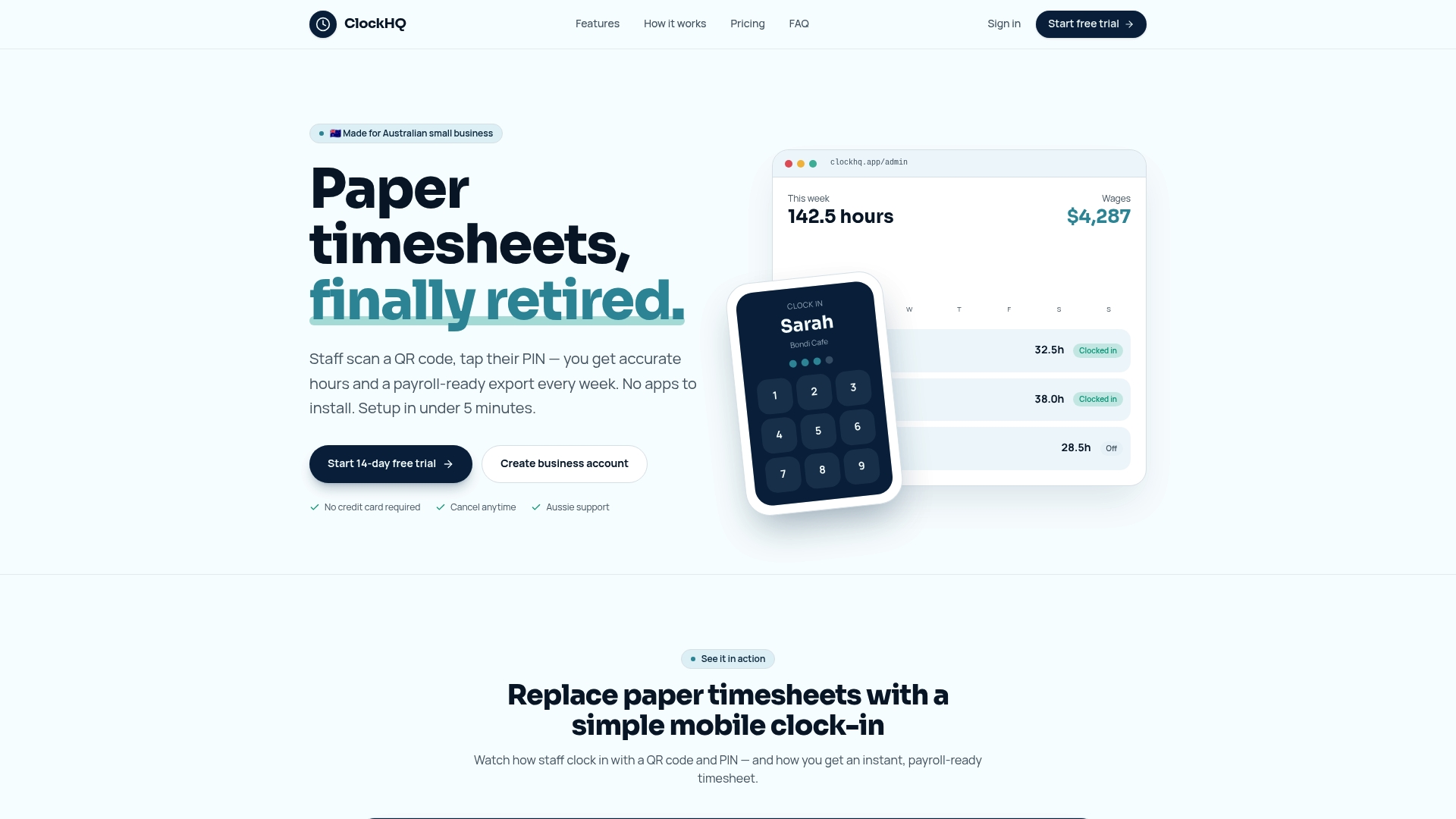
With Clockhq, you can build shifts, track clock-ins on mobile or desktop, and review variance data without switching between spreadsheets and separate systems. The platform handles attendance monitoring, timesheet approval, and schedule management in a single view. If you are ready to stop guessing where your labor hours are going, start with Clockhq and run your first scheduled vs actual comparison this week.
FAQ
What is the difference between actual and scheduled hours?
Scheduled hours are the hours planned for a shift before work begins. Actual hours are the hours an employee recorded working. The difference between the two is the variance, which reveals planning accuracy and labor efficiency.
How often should i review actual vs scheduled hour data?
Weekly reviews are the minimum effective cadence for most trades, hospitality, and retail operations. Monthly reviews are too infrequent to catch patterns before they affect payroll.
What causes the biggest gaps between scheduled and actual hours?
Unplanned tasks, off-the-clock work, no-shows, and manual time entry errors are the most common causes. Digital clock-in tools reduce entry errors, while clear scheduling policies address the behavioral causes.
Does tracking hour variances help with wage disputes?
Accurate actual hours records are the primary defense in wage disputes. When scheduled and actual hours are both documented in the same system, discrepancies are easy to identify and resolve with evidence rather than memory.
What is labor efficiency variance?
Labor efficiency variance measures whether more or fewer hours than planned were used to complete a task or shift. It isolates the hours problem from the wage rate problem, so managers can target the correct fix.