

A field service timesheet is a structured record of the hours, tasks, and activities completed by employees working outside a fixed office location. It captures start and end times, breaks, travel, and job-specific activities for every shift. For field service managers and business owners, accurate timesheet management is the foundation of correct payroll, billing, and labor compliance. Tools like Clockhq, Salesforce Field Service, and Gomocha have made this process faster and more reliable than paper ever could. This field service timesheet explained guide covers everything from how modern tracking works to the legal obligations you cannot ignore.
What is a field service timesheet and why does it matter?
A field service timesheet is the official record that proves when your technicians worked, where they were, and what they did. Unlike office workers who badge in at a single location, field employees move between job sites, vehicles, and client premises throughout the day. That mobility creates gaps in traditional tracking systems.
Timesheet management in field service covers far more than just start and end times. A complete record includes break durations, travel time between sites, and time spent on specific tasks or work orders. That level of detail matters for billing clients accurately and allocating labor costs to the right jobs.

The business case is direct. Inaccurate timesheets lead to underbilling, overpaying, and disputes with clients. When your records are clean and verifiable, payroll runs faster, invoices hold up to scrutiny, and you have real data to measure technician productivity.
How field service timesheets work: from paper to GPS-verified tracking
Traditional paper timesheets required technicians to write down their hours at the end of a shift or day. That method depends entirely on memory. A technician who completes four jobs across three locations cannot reliably reconstruct exact times hours later.
Delayed timesheet entry creates significant accuracy problems, including reconstructed approximations and labor cost miscalculations. The gap between when work happens and when it gets recorded is where most timesheet errors are born. Digital systems close that gap by capturing time at the moment of activity.
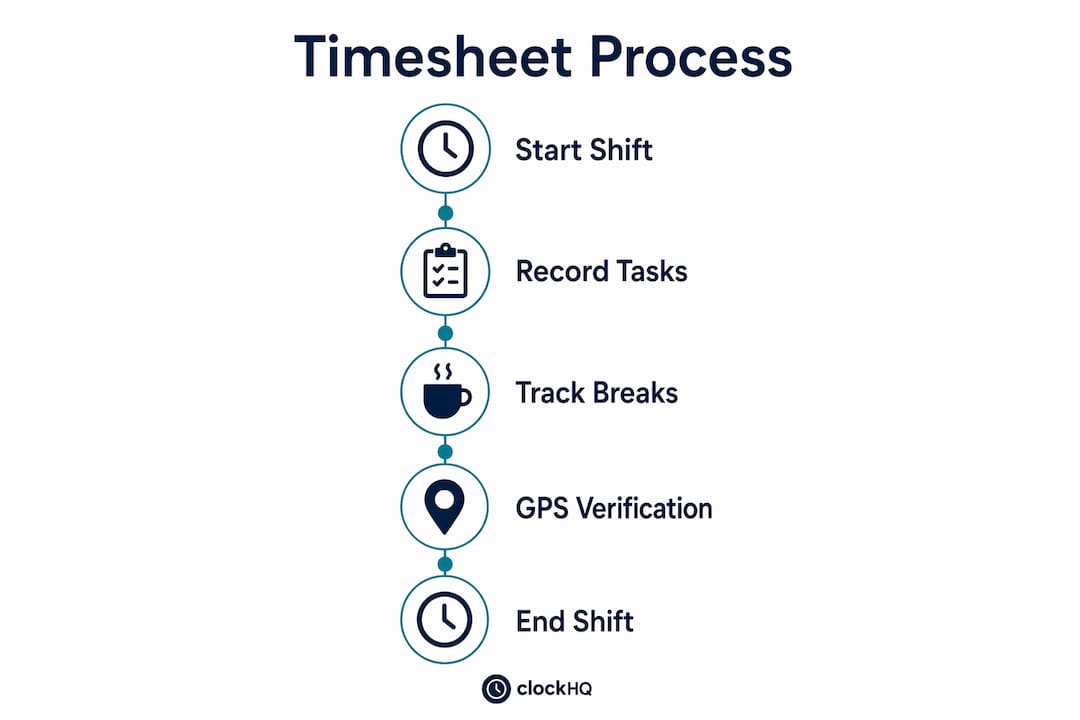
Modern field service timesheet software uses several key mechanisms:
- GPS-verified clock-in and clock-out: The app detects when a technician arrives at or leaves a job site and prompts them to record their time. Physical presence at the location is confirmed automatically.
- Real-time data sync: Time entries upload to a central system immediately, so managers see live data rather than waiting for end-of-day submissions.
- Activity categorization: Technicians tag time entries by type, such as travel, installation, repair, or inspection. This feeds directly into billing and job costing.
- Automated break and travel tracking: The system logs non-billable time separately, keeping client invoices accurate.
- Offline capability: Entries save locally when there is no signal and sync when connectivity returns.
Location-triggered time capture eliminates reliance on technician memory and improves the accuracy of every record. The system does the prompting; the technician just confirms.
Not every platform handles complexity equally. ERP-integrated tools like NetSuite track service time through automated background scripts, but sequential task tracking means only one task records at a time. Technicians must manually change status when switching tasks or taking breaks, which creates its own risk of error.
Pro Tip: Set up location-based reminders in your timesheet app so technicians receive an automatic prompt the moment they arrive at a job site. This single change removes the most common source of missed clock-ins.
Legal and compliance considerations for field service timesheets
Compliance is not optional. A 2022 German Federal Labour Court ruling confirmed that employers must provide systematic, tamper-proof, mobile-accessible working time recording systems for all field employees without a fixed workplace. That ruling reflects a broader global trend toward mandatory electronic time recording for mobile workers.
For field service businesses, this creates specific obligations:
- Use tamper-proof systems. Records must not be editable after submission without a logged audit trail. Paper timesheets and basic spreadsheets fail this requirement.
- Make recording mobile-accessible. Technicians must be able to record time at the point of work, not hours later at a desk.
- Retain records for at least 2 years. Employers must store timesheet data for a minimum retention period and comply with applicable privacy laws during that time.
- Conduct regular spot checks. Managers carry responsibility for verifying that records are accurate and complete, not just trusting submissions.
- Align with GDPR or local privacy law. Location data collected through GPS tracking is personal data. Your system must handle it under the correct legal basis and with appropriate access controls.
"Legal rulings worldwide increasingly mandate electronic, tamper-proof time recording for mobile workers, pushing companies toward compliant digital solutions." — Aivy
Mobile-app-based tracking is the most practical solution for meeting these obligations. It creates a time-stamped, location-verified record that holds up to audit. Paper documentation is increasingly insufficient in modern field operations, and regulators are catching up fast.
Field service timesheet best practices
The best timesheet process is one your technicians actually follow. A system that is technically correct but ignored in the field produces worse data than a simple paper form filled out consistently.
Start with automation. GPS-verified clock-in and real-time data sync reduce the manual steps technicians must take. Fewer steps mean fewer errors and less resistance. When the system does the heavy lifting, compliance rates go up.
Build clear policies around the gray areas:
- Define what counts as billable travel time versus commute time.
- Set rules for how breaks are recorded, including minimum durations.
- Specify how technicians should categorize time when a job covers multiple work types.
- Establish a deadline for submitting or confirming daily time entries, such as before leaving the last job site.
Training matters more than most managers expect. A technician who does not understand why accurate time entry matters will cut corners under pressure. A short onboarding session that connects timesheet accuracy to their own paycheck and to client billing creates buy-in that no policy document achieves alone.
Use your timesheet data actively. Weekly reviews of labor hours by job type reveal which work categories consistently run over estimate. That insight feeds better quoting, smarter scheduling, and more accurate client billing. For guidance on reducing timesheet errors across your field crews, location-triggered technology is the most direct fix available.
Pro Tip: Review timesheet data by technician and job type every week, not just at payroll time. Patterns in overtime or task duration tell you where your estimates are wrong before they become a billing problem.
Common challenges and solutions in timesheet management
Every field service manager runs into the same set of problems. Knowing the root cause of each one points directly to the right fix.
| Challenge | Root Cause | Solution |
|---|---|---|
| Memory-based errors | Technicians log hours hours after the fact | GPS-triggered prompts at job site arrival and departure |
| Delayed data entry | No system requirement to submit in real time | Mobile apps with mandatory end-of-job confirmation |
| Manual correction burden | Paper or spreadsheet records require manager edits | Digital audit trails with technician self-correction before submission |
| Multi-task tracking gaps | Sequential ERP tracking cannot handle parallel activities | Apps with activity-switching and break logging built in |
| Resistance to tracking | Excessive manual steps create friction | Simplified interfaces with one-tap confirmation |
Excessive manual tracking increases user friction and leads to resistance. The fix is not stricter enforcement. It is removing the manual steps that make compliance feel burdensome.
Billing accuracy is the clearest business outcome of solving these problems. When time records are verified by GPS and categorized by activity, invoices reflect actual work performed. Disputes with clients drop. For managers looking at how to track field employee hours remotely, mobile-first platforms with offline sync are the practical standard in 2026.
One underappreciated challenge is the over-tracking trap. Adding too many required fields to a timesheet form slows technicians down and creates its own errors. The goal is capturing the minimum data needed for accurate billing, payroll, and compliance. Every extra field is a point of friction that reduces data quality.
Key Takeaways
Field service timesheets are the foundation of accurate payroll, compliant labor records, and reliable client billing. GPS-verified, mobile-first systems are the current standard for field operations.
| Point | Details |
|---|---|
| Define the record clearly | A field service timesheet captures start, end, breaks, travel, and task-specific time for every shift. |
| GPS verification is the standard | Location-triggered clock-in eliminates memory gaps and produces tamper-proof records. |
| Compliance is legally required | Employers must provide systematic, mobile-accessible time recording and retain data for at least 2 years. |
| Automation drives adoption | Fewer manual steps mean higher compliance rates and more accurate data from your field team. |
| Use data beyond payroll | Weekly timesheet reviews reveal labor cost trends, quoting errors, and productivity patterns. |
What I've learned about timesheets that most guides skip
Most articles on this topic treat timesheets as an administrative chore. That framing is wrong, and it costs businesses real money.
The managers I respect most treat timesheet data as a live feed into their business performance. When a job category consistently runs 20% over the logged estimate, that is not a timesheet problem. It is a quoting problem, a training problem, or a scope problem. The timesheet just surfaces it. Managers who only look at timesheets at payroll time miss that signal entirely.
The compliance angle is also underestimated outside of Europe. The German Federal Labour Court ruling in 2022 is not an isolated event. It reflects a direction that labor regulators in multiple countries are moving. Businesses that build compliant, tamper-proof systems now will not be scrambling when their own jurisdiction catches up.
The one thing I push back on is the instinct to add more fields to a timesheet form when accuracy is poor. More fields do not fix a discipline problem. They make it worse. The answer is almost always better automation and clearer policies, not a longer form. Technicians who feel the system works for them, not against them, submit accurate data. That is the real best practice.
— noa
How Clockhq makes field service time tracking simple
Clockhq is built for exactly the kind of operation this article describes: mobile teams, multiple job sites, and managers who need accurate data without chasing technicians for paperwork.
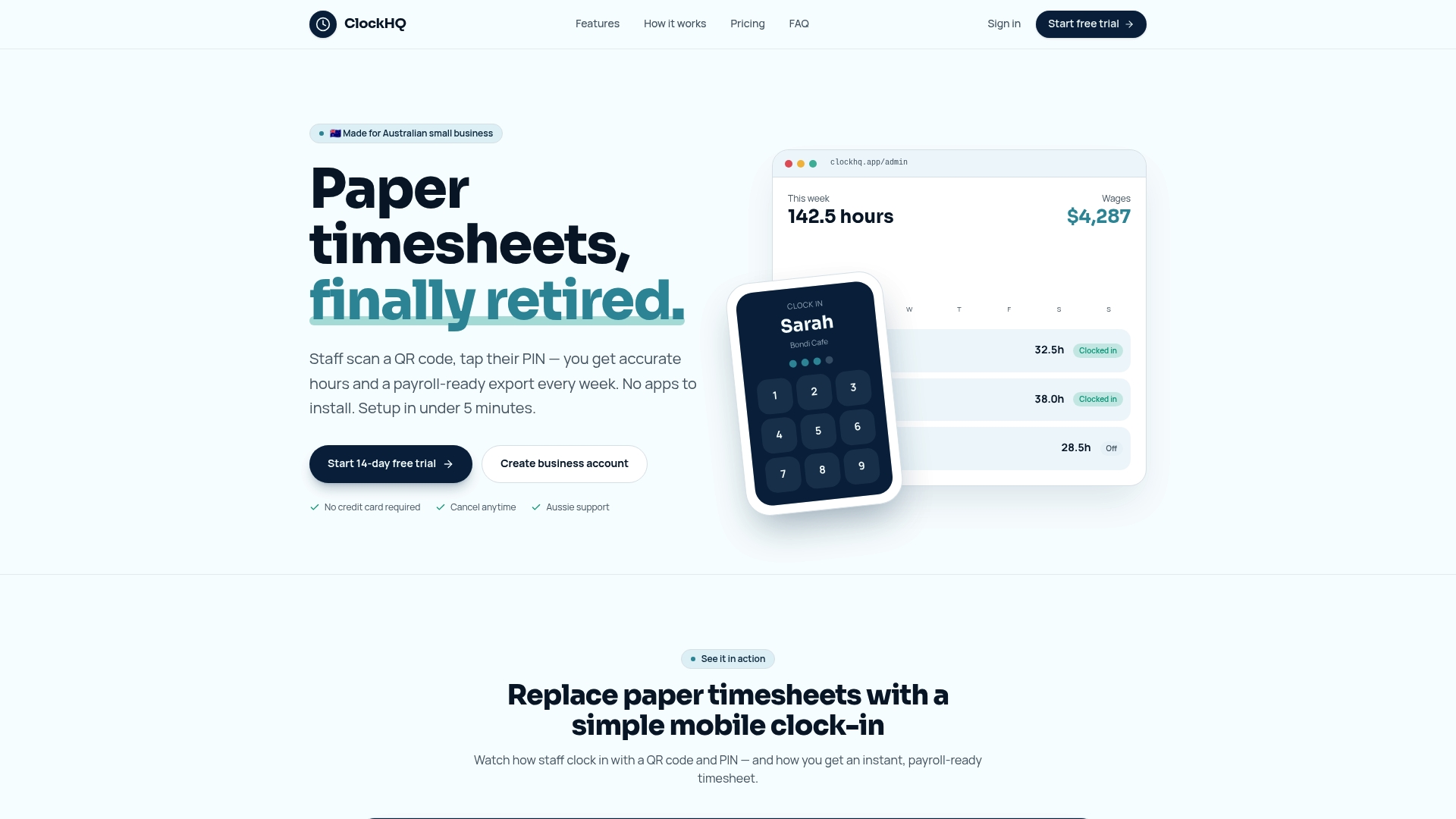
The platform handles GPS-verified clock-in and clock-out, real-time data sync, and activity categorization from a single mobile app. Payroll integration means your timesheet data flows directly into pay calculations without manual re-entry. Setup is fast, and the interface is simple enough that technicians adopt it without a training program. Clockhq's pricing is transparent and scales with your team size. If you manage field employees and want timesheet data you can actually trust, start with Clockhq and see the difference accurate tracking makes to your billing and compliance in the first week.
FAQ
What is a field service timesheet?
A field service timesheet is a record of the hours, tasks, travel, and breaks completed by an employee working at external job sites. It serves as the basis for payroll, client billing, and labor compliance.
How does GPS improve timesheet accuracy?
GPS-triggered systems automatically prompt technicians to clock in or out when they arrive at or leave a job site. This removes reliance on memory and produces a location-verified, time-stamped record.
What are the legal requirements for field service timesheets?
Employers must provide systematic, tamper-proof, mobile-accessible time recording for all field employees. Records must be retained for at least 2 years and comply with applicable privacy laws.
What features should field service timesheet software include?
Effective software includes GPS-verified clock-in, real-time sync, activity categorization, break and travel tracking, and offline capability for areas with poor signal.
How do I reduce timesheet errors in my field team?
Use location-triggered prompts to automate clock-in and clock-out, set clear policies for breaks and travel time, and review timesheet data weekly rather than only at payroll time.